My Linux Setup (2026)
I've been using Linux as my daily driver for about ~4 years at this point, both on my personal and work laptops. During this time I hopped through countless distros, desktop environments, window managers, terminal emulators, shells, CLI tools and so on. I believe this to be sort of a universal Linux experience, you get to know it, you break stuff, you fix stuff, and then (hopefully) you settle for something that works for you.
My current setup has been a rock for almost 2 years at this point. I finally tailored a set of tools that fits the way I want to use computers. In this post I intend to go over some of my favorite software which I use on a daily basis.
Distro
I use Arch (btw). It works incredibly well for me.
Ubuntu, Fedora, Manjaro, Endeavour... I probably installed more than 10 different distros until I decided to finally go for Arch. Don't get me wrong, these are all great distros, but they did not fit me, for various reasons which I'll detail below.
- Ubuntu: rock solid, sane release schedule, but I hate Snaps and I'm not a big fan of
aptor the way Canonical tweaks Gnome. - Fedora: probably my next choice if Arch suddenly disappeared. I really like Fedora, my now-extinct home server ran Fedora Server for years! Unfortunately, I had a bunch of random issues with Wayland and fractional scaling, which Fedora 42 release did not solve, it was the last version I tried.
- Manjaro: my first Arch-based distro, used it for about ~6 months — then an update broke everything, as it's always the case with Manjaro.
- Endeavour: my second Arch-based distro, also used it for roughly ~6 months. I never had any issues with this one, it was a flawless experience. Eventually I realized I wasn't using any of Endeavour's features, which made me think: why not Arch?!
So yeah, as of 2026 I'm running Arch on all my laptops. There are lots of things I like about Arch, namely:
- It's my computer and I own it - Arch respects that and gets out of the way.
pacmanis the best package manager out there, and withyayit's heaven.- AUR
- Bleeding edge software - because there's nothing like seeing a release note for something you use every day and seeing it available to update in a matter of days.
- It's relatively stable, if you know what you're doing.
Desktop Environment
Gnome. It works, it's pretty, it doesn't suck, it comes with a great set of tools, it's customizable, but most importantly, it gets out of my way. What's not to love about it?
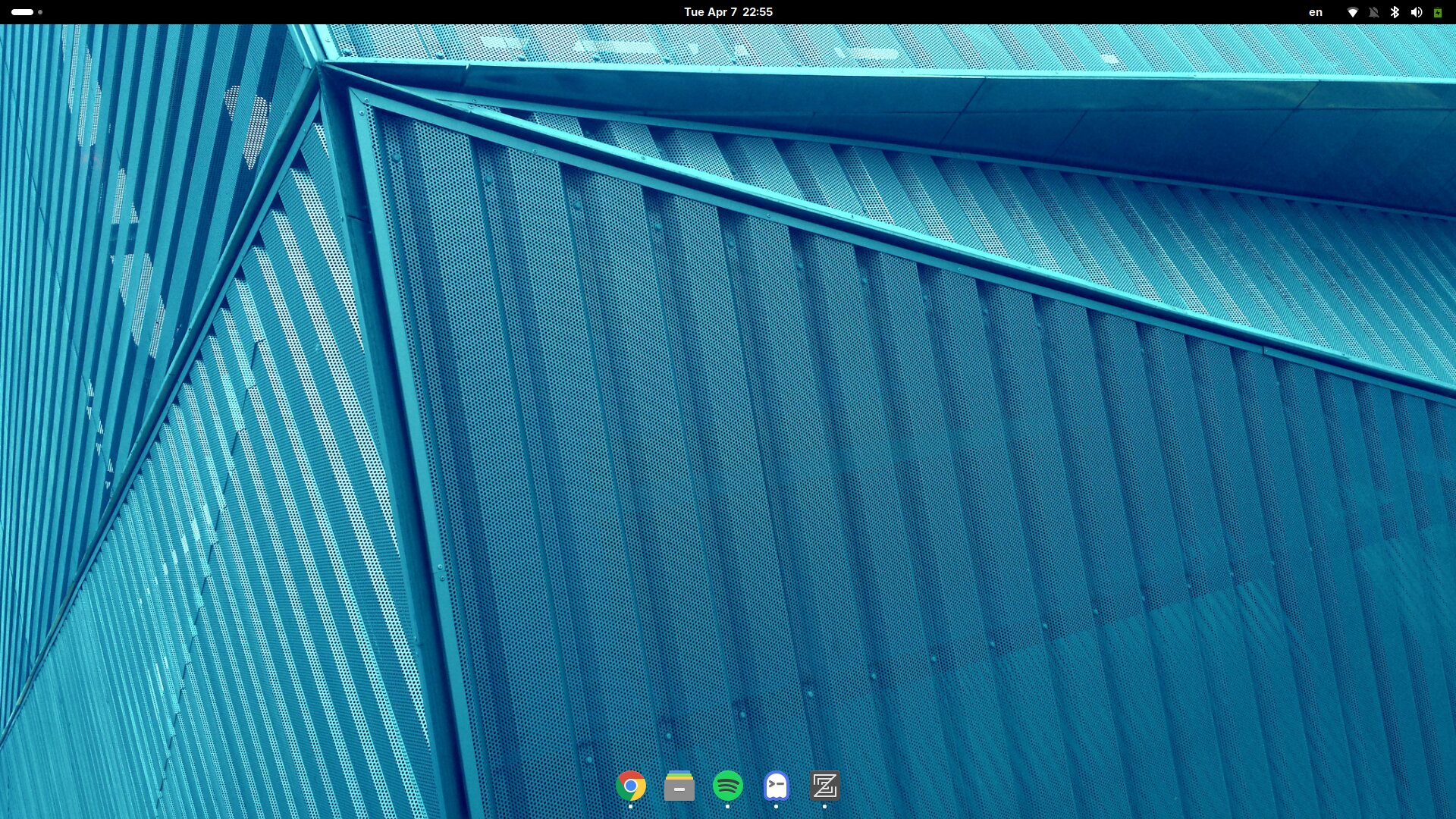
My Gnome setup is almost completely vanilla, the only extensions I'm using are: Alphabetical App Grid and Dash to Dock. That's it.
Minimal desktops are sort of my thing. Simple activity bar on top, a simple dock with the software I use the most (it auto-hides, of course), and a huge amount of space.
Terminal Emulator
Ghostty. Same story as with distros, hopped through a bunch of options, settled for something that fits my use.
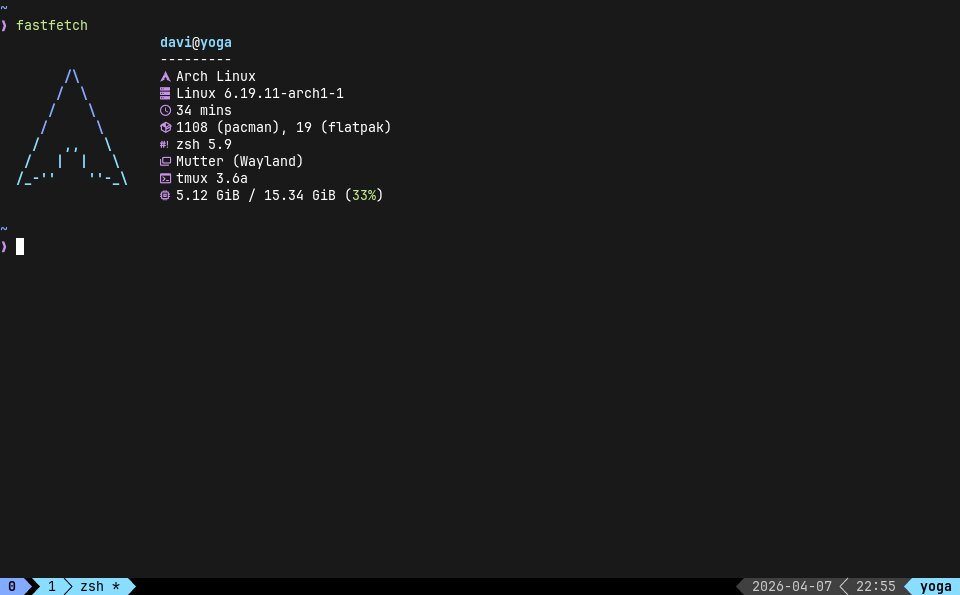
Honestly, I don't think I have much to say about Ghostty, and that should tell you everything you need to know about it. It works, and it never stops working. The performance is top notch, the documentation is awesome, configuring it is super easy due to sane defaults, and it also comes with a bunch of themes.
Shell
Zsh (with super powers). Unlike distros, terminals and code editors, for shells I don't remember trying anything else, with the exception of the occasional bash when SSHing into something. I do want to try fish someday though.
Super powers mentioned above:
- Zinit: Zsh plugin manager with the following plugins installed:
zsh-syntax-highlightingzsh-completionszsh-autosuggestionsfzf-tab
- Starship: my Zsh prompt. I like it minimal.
- Tmux: couldn't live without it. Nothing crazy going on, just
tpmas a plugin manager and a Nord-inspired theme.
CLI Tools and TUIs
I discover a new cool CLI tool almost on a daily basis, be it on the web, on Reddit, on YouTube, or at work huddling with a colleague, there's always something new to try. Unfortunately, I forget about most of them really fast, it's hard introducing new tools to my workflow. Some do stick around though, such as:
lazygit: completely changed the way I use git. I'd bake this into git if I could.lazydocker: for all things Docker (mostly used on my personal laptop).k9s: for all things Kubernetes (mostly used on my work laptop).micro: because I'm not a Vim user and because it's better thannano. I have an alias fornano=micro- judge me.fzf: it's awesome.btop: myhtopreplacement.rg: gotta go fast.opencode: my agentic development tool of choice for pet projects and prototyping.claude: an agentic development tool for work. IMO it's not as good as opencode, but it gets the job done.
Code Editor/IDE
As of 2026 I'm using Zed exclusively. Before Zed I was using VS Code, or a JetBrains IDE, depending on what I was working on.
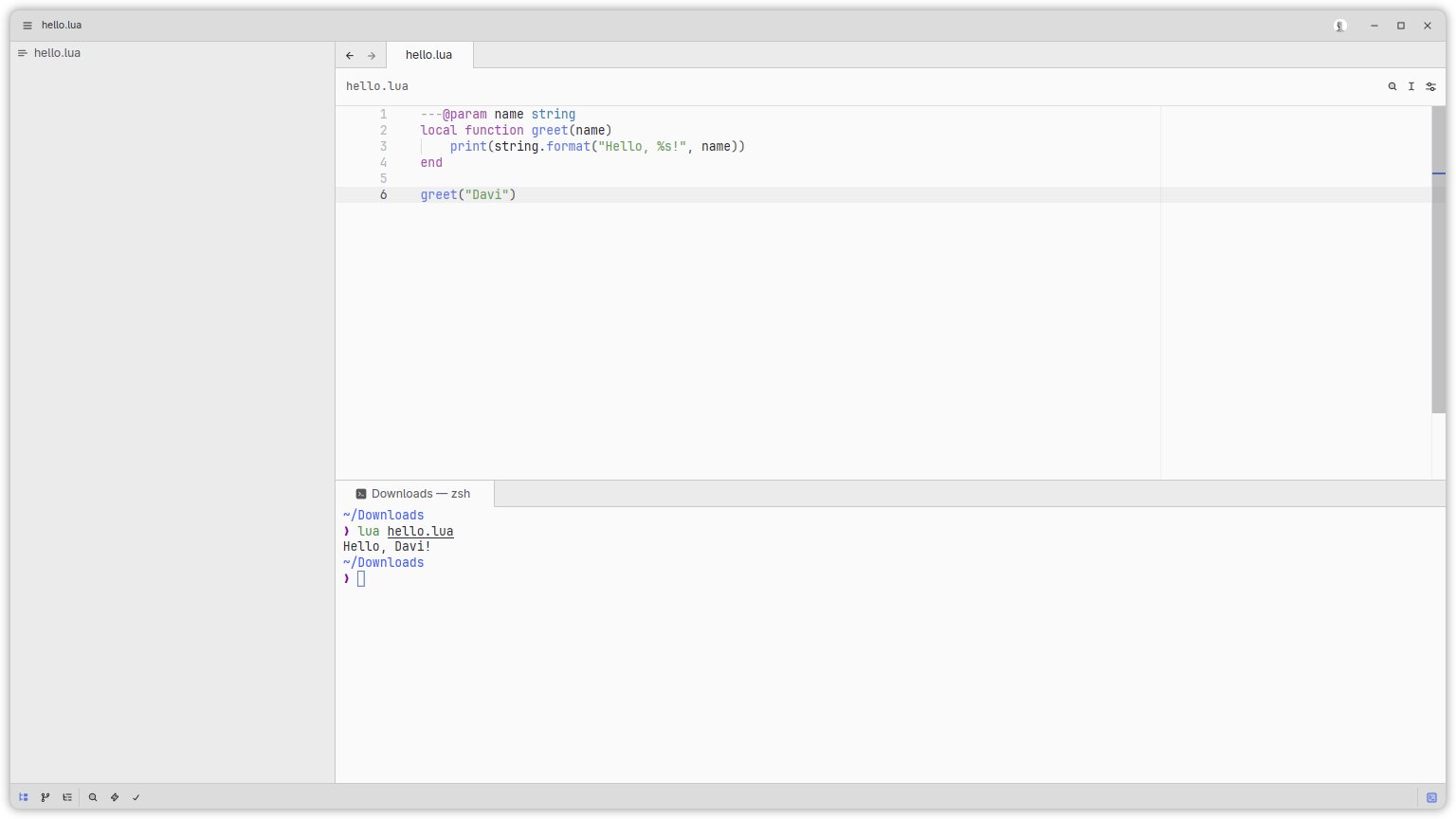
Zed is a breath of fresh air in a world of cluttered UIs and shitty features that I'll never touch. It's fast, it's minimalistic, and like Arch and Ghostty, it gets out of my way.
I love that you can disable all AI features with a single setting:
{
  // settings.json
  "disable_ai": true
}
This allows me to focus on reading and writing code, there's no clanker telling me what my function should do. When I want assistance, I alt-tab to Ghostty. This workflow works very well for me.